
Main modules
The main modules required for the Diamond Operations Pro website to utilize all its functionalities.
Each article is a focused answer designed to solve one task without making the user scan an entire course.
22 resources in this chapter.
Browse the article sequence
Activities: How to Manage the Operational Service Catalog in Diamond Operations Pro
13 minThe "Activities" module allows you to manage the catalog of operational tasks or services that the company can offer, sell, schedule, or associate with jobs within Diamond Operations Pro. An activity is not a job by itself. An activity is a reusable definition that can later be selected in other system workflows, such as jobs, bookings, properties, the booking engine, and reports. This module works as a base library of operational services. For example, a company may have activities such as "Deep Cleaning", "Laundry", "Inspection", "Maintenance", "Recurring Cleaning", or any other service that is part of its operation.
Read articleActivity Feed: How to Review Actions and Changes in Diamond Operations Pro
10 minThe "Activity Feed" module allows you to review a history of actions performed within Diamond Operations Pro. This module works as a system log. It helps identify who performed an action, when it happened, what type of action it was, and which record or process it affected. Unlike other modules, the "Activity Feed" is not used to create or edit information. Its main purpose is to consult, audit, and investigate important actions within the system.
Read articleBatches: How to Group and Manage Invoices in Diamond Operations Pro
12 minThe "Batches" module allows you to group multiple invoices so they can be reviewed, sent, or processed together within Diamond Operations Pro. A batch is useful when a client has multiple related invoices, several services, different properties, or charges that should be handled centrally. Instead of reviewing each invoice separately, the batch allows you to review the grouped total and track the full set. This module helps simplify billing, improve invoice organization, and make it easier to review payments associated with multiple invoices.
Read articleBooking Page: How to Publish Services and Receive Requests in Diamond Operations Pro
15 minThe "Booking Page" module allows you to configure a public page so clients or prospects can request bookings, estimates, or contact without entering the internal Diamond Operations Pro panel. This module connects the internal operation with a public experience. What is configured here can become requests that the team later reviews from the "Requests" module. A well-configured booking page helps present services clearly, capture useful client information, and convert visits into operational opportunities.
Read articleChecklists: How to Standardize Reviews and Tasks in Diamond Operations Pro
12 minThe "Checklists" module allows you to create reusable guides to review tasks, validate processes, and confirm that a job meets the criteria defined by the company. A checklist works as an internal guide for the team. It helps remind users which points must be reviewed before considering an activity, job, or process complete. This module is useful when the company wants to reduce oversights, improve quality, organize repetitive processes, and make sure everyone works with the same criteria.
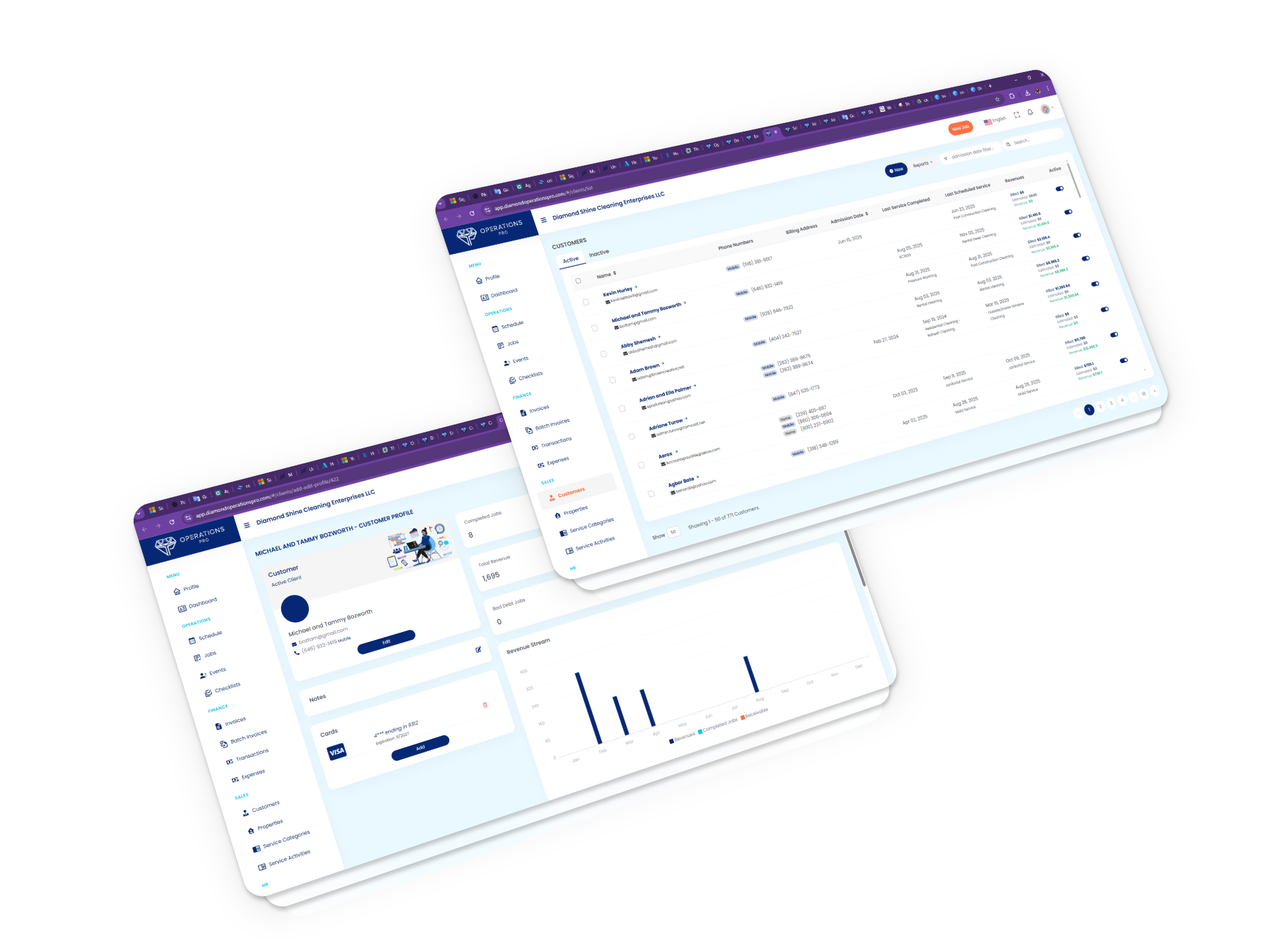
Read articleClients: How to Create, Edit, and Manage Clients in Diamond Operations Pro
The "Clients" module allows you to manage the people or companies that receive services, pay invoices, or have associated properties within Diamond Operations Pro. For new users, this module is often the commercial and operational starting point. Before creating properties, jobs, invoices, or bookings, a client usually needs to be properly registered in the system.
Read articleData Panel: How to Manage Base Settings in Diamond Operations Pro
10 minThe "Data Panel", also shown as "Company Data", centralizes the company’s main configuration inside Diamond Operations Pro. This module contains master information that other modules reuse to operate correctly. Here you can configure details such as contact information, working hours, taxes, employee positions, email, text messages, online payments, and integrations. For that reason, any change in this module can affect invoices, jobs, payrolls, the booking page, communications, and internal processes.
Read article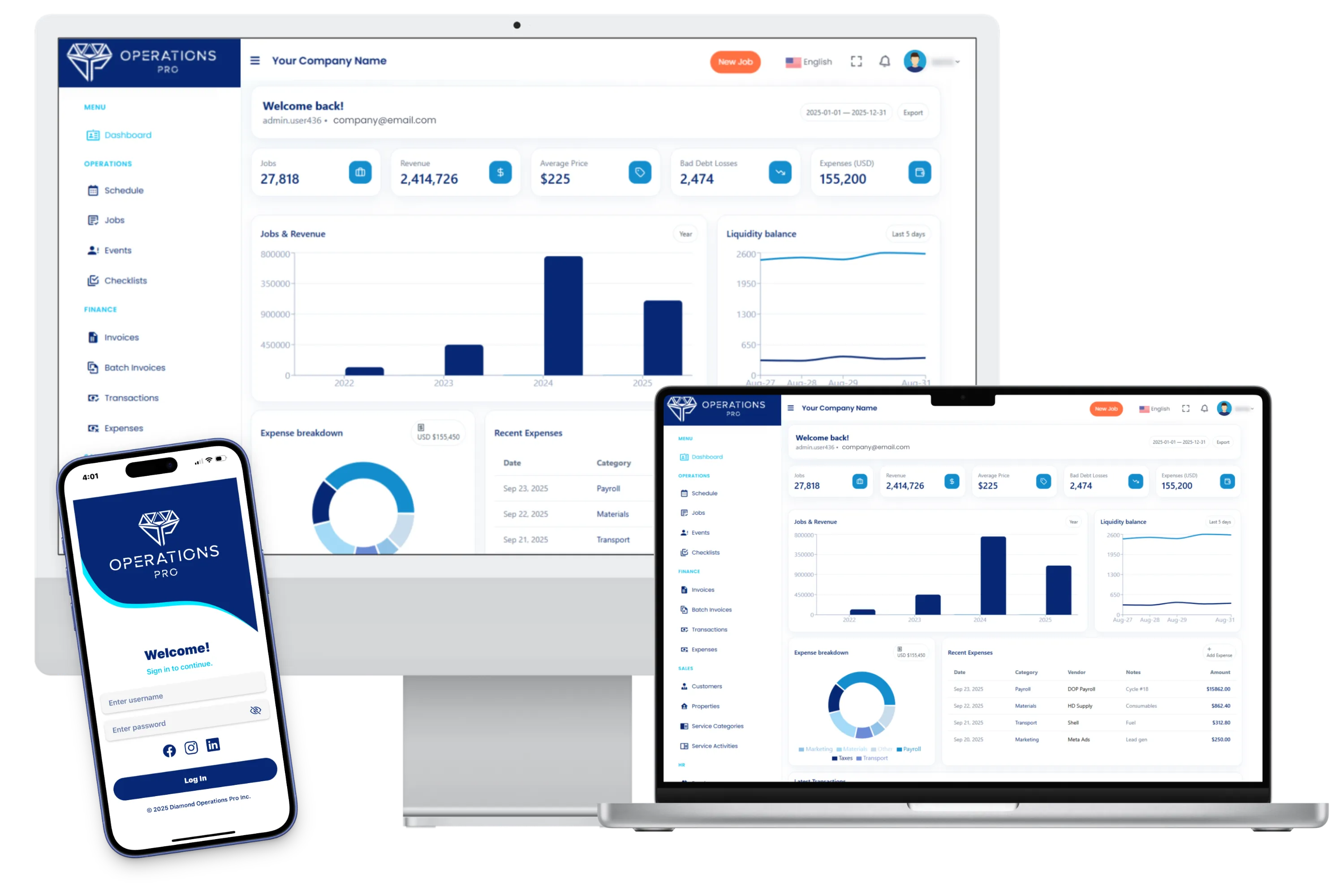
Default Dashboard: How to Interpret the Initial Summary in Diamond Operations Pro
18 minThe "Default Dashboard" is the first view that appears after signing in to Diamond Operations Pro. This screen summarizes operational and financial information so the user can quickly understand how the company is performing. Its purpose is not to replace detailed modules, but to serve as a starting point for deciding what to review first. For a new user, the dashboard works as an orientation screen: it shows indicators, trends, and highlighted data that help identify whether the operation is running correctly or whether an area needs attention.
Read articleEmployees: How to Create, Edit, and Manage Employees in Diamond Operations Pro
10 minThe "Employees" module allows you to manage the people who work for the company or participate in daily operations. An employee may be associated with jobs, payroll, reports, events, and tax information. For new users, this module helps answer an important operational question: "who performs the work, and how is their employment, operational, and payment information managed?"
Read article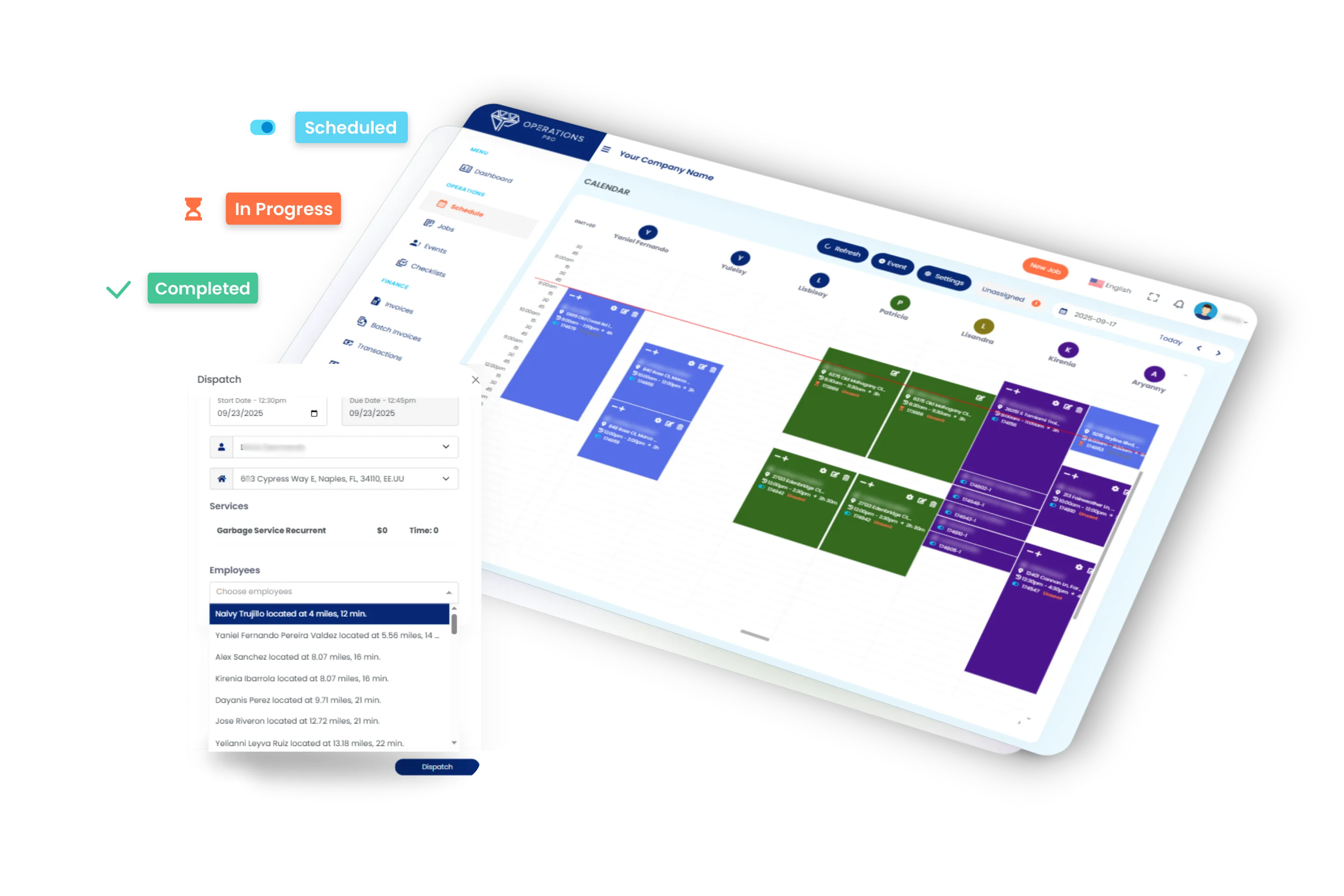
Events: How to Register and Manage Employee Incidents in Diamond Operations Pro
12 minThe "Events" module, also identified as "Employee Incidents", allows you to register situations related to employees within Diamond Operations Pro. This module is used to document important events that should remain in a person’s history, such as absences, disciplinary notes, operational incidents, internal observations, or any relevant situation related to the employee. For new users, this module helps maintain a clear, organized, and responsible record of situations that may be needed for administrative reviews, internal follow-up, or decision-making.
Read articleExpenses: Recording, Reviewing, and Controlling Money Outflows in Diamond Operations Pro
13 minThe "Expenses" module allows you to record, organize, and review expenses related to the company’s operation within Diamond Operations Pro. This module helps control money leaving the company, whether for purchases, materials, fuel, repairs, equipment, services, or other expenses needed to complete jobs or keep the operation running. Good expense management helps you better understand costs, review receipts, associate expenses with specific jobs, and analyze their financial impact on profitability.
Read articleInvoices: How to Review, Send, and Track Charges in Diamond Operations Pro
15 minThe "Invoices" module allows you to review, send, pay, and track invoices generated from the operation in Diamond Operations Pro. This module represents a key part of the billing cycle. After completing, reviewing, or confirming a job, the invoice allows you to charge the client, record payments, and keep the financial status of the service updated. An invoice should be reviewed carefully before being sent or marked as paid, since it may include services, dates, taxes, discounts, notes, amounts, and relationships with jobs or clients.
Read articleJobs: How to Create, Schedule, Assign, Review, and Invoice Jobs in Diamond Operations Pro
The "Jobs" module is the operational center of Diamond Operations Pro. A job represents a specific piece of work that must be completed for a client or property, such as a cleaning, service, repair, inspection, estimate, or another scheduled task. For new users, this module answers three essential questions:"What needs to be done, where does it need to happen, and who is responsible for doing it?"
Read article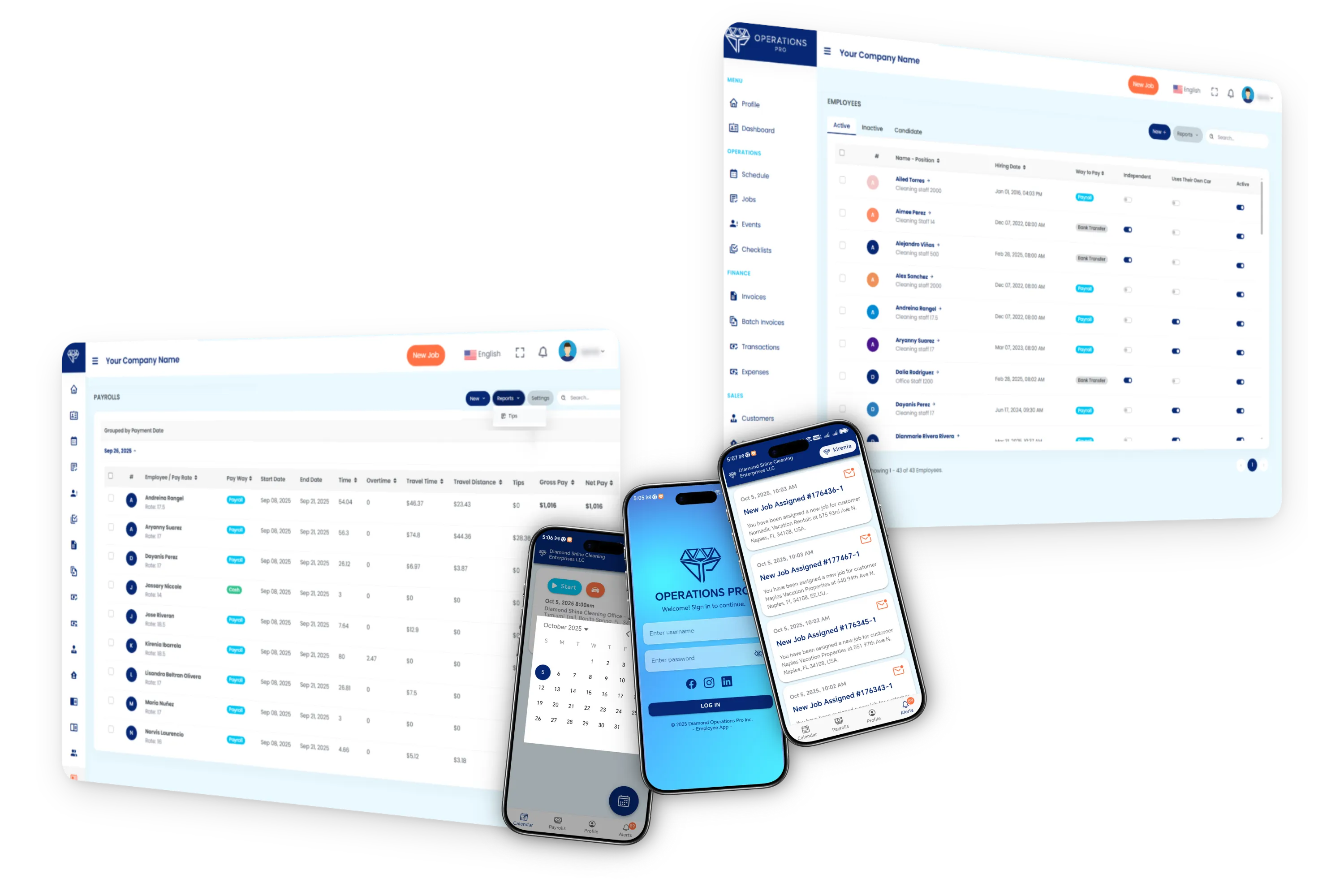
Payrolls: How to Calculate, Review, and Validate Employee Payments in Diamond Operations Pro
15 minThe "Payrolls" module allows you to calculate and review employee payments within Diamond Operations Pro. From this module, you can generate individual or group payrolls, validate worked hours, review pay rates, add adjustments, and consult reports related to labor costs. This module is especially important because it connects employee information, pay periods, worked hours, rates, taxes, tips, overtime, and other concepts that affect the final payment. A good review before saving or reporting payroll helps prevent payment errors, labor cost differences, and financial control issues.
Read articleProperties: How to Create, Edit, and Manage Properties in Diamond Operations Pro
The "Properties" module allows you to manage the locations where services are performed. A property usually belongs to a client and is used across jobs, scheduling, bookings, reports, and billing. For new users, this module answers an essential operational question: "where will the work be performed, and what information does the team need to arrive and operate correctly?"
Read articleRequests: How to Review and Manage Incoming Bookings or Estimates in Diamond Operations Pro
12 minThe "Requests" module centralizes requests that come from the booking engine or from public forms connected to Diamond Operations Pro. This module works as an inbox for operational opportunities. From here, you can review booking requests, estimate requests, or service requests before converting them into confirmed jobs. A request should not be approved automatically without review. Before continuing, it is important to confirm the client’s information, address, requested service, date, time, estimated duration, price, and team availability.
Read articleRoles: How to Create, Edit, and Manage Permissions in Diamond Operations Pro
15 minThe "Roles" module allows you to define what each user can see and do within Diamond Operations Pro. A role works as a permission template: it determines access to modules, available actions, and each user’s level of responsibility. For new users, this module helps answer a key security and administration question: What access does each user need to do their job without receiving unnecessary permissions?
Read articleSchedule: How to Organize Jobs, Events, and Assignments in Diamond Operations Pro
12 minThe "Schedule" module allows you to view the daily operation by date and time within Diamond Operations Pro. From this screen, you can review scheduled jobs, events, times, estimated duration, assigned employees, properties, clients, and important details needed to coordinate the operation. For a new user, the "Schedule" works as the main daily board: it shows which jobs need to be completed, when they happen, where they take place, and which employees are involved.
Read articleServices: How to Organize the Base Catalog of the Operation in Diamond Operations Pro
15 minThe "Services" module allows you to manage the main categories or groupings that are part of the company’s operational catalog in Diamond Operations Pro. This module helps maintain an organized structure so other modules can use consistent information when creating jobs, configuring activities, publishing options in the booking engine, or generating reports by service type. A well-organized catalog helps prevent duplicates, reduces confusion, and makes it easier for the team to work with the same names and criteria.
Read article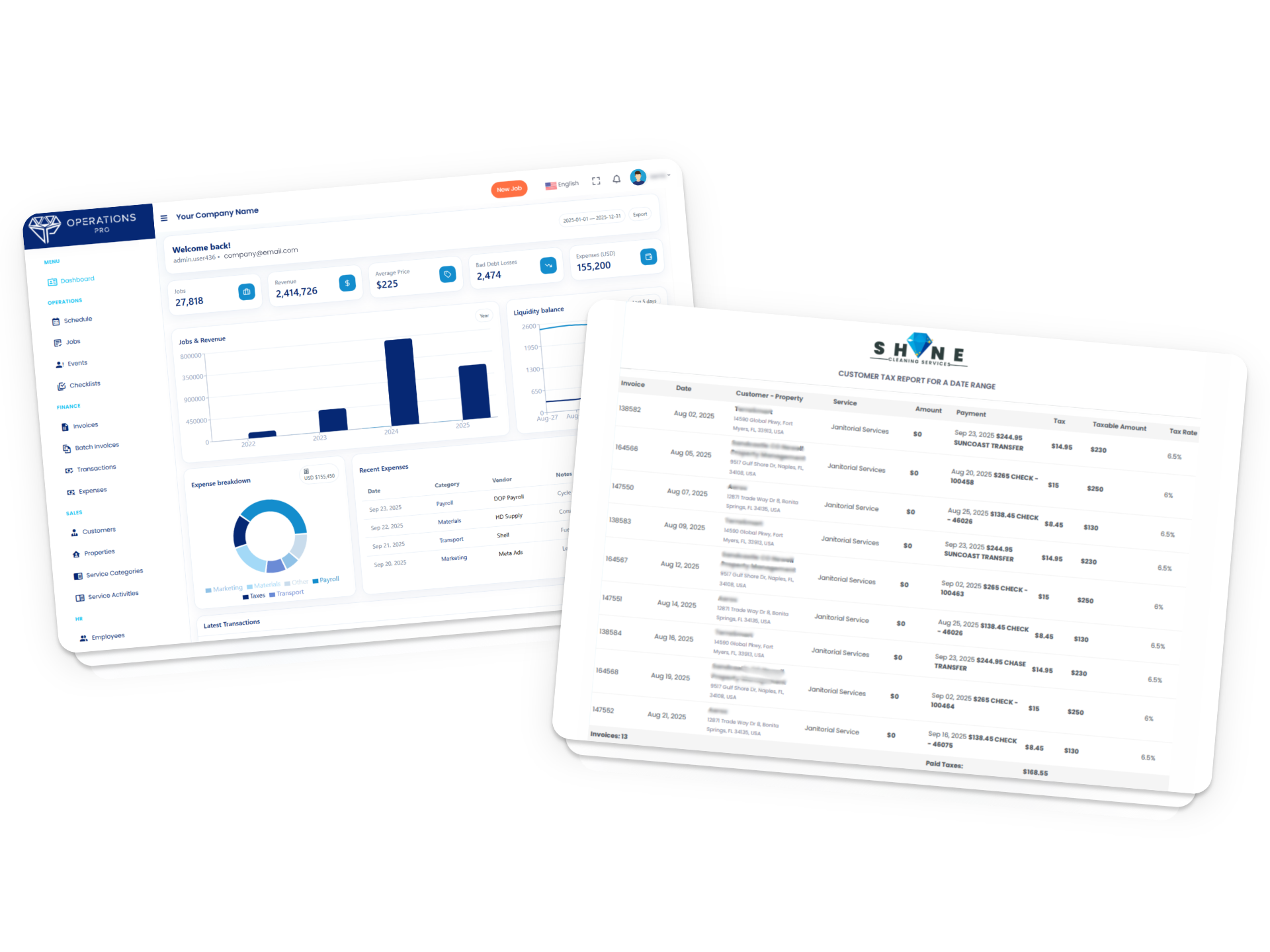
Transactions: How to Review Payments and Financial Movements in Diamond Operations Pro
10 minThe "Transactions" module allows you to review the history of payments and financial movements recorded within Diamond Operations Pro. This module works as a record of movements that were received, processed, or are pending review. From here, you can review payments by card, bank, check, cash, other methods, and transactions that require approval. For the finance team, this module is a key tool for confirming payments, answering billing questions, reviewing differences with invoices, and preparing internal reconciliations.
Read articleTurnover Calendar: How to Coordinate Cleanings Between Reservations in Diamond Operations Pro
18 minThe "Turnover Calendar" module allows you to turn short-term rental and vacation rental reservations into a clear operational schedule within Diamond Operations Pro. This module helps organize properties, reservations, platforms, services, priorities, and jobs so the team can coordinate cleanings between a guest checkout and the next check-in. For a company that manages several properties or serves vacation rental clients, the turnover calendar works as a central view to detect which properties need cleaning, when the work should be done, and whether an operational job has already been created in the system
Read articleUsers: Account and Access Management in Diamond Operations Pro
10 minThe "Users" module allows you to control who can access Diamond Operations Pro and what level of access they have within the system. A user account is not always the same as an employee or a client. The user is the account used to sign in, while the employee or client represents a person or entity within the operation. For this reason, this module is an important part of system security. From here, you can create accounts, assign roles, send invitations, and manage active access.
Read article