
Getting Started
How owners, internal users, employees, and clients log in to Diamond Operations Pro and access the correct company and area.
Each article is a focused answer designed to solve one task without making the user scan an entire course.
4 resources in this chapter.
Browse the article sequence

How the Subscription Wizard Works
3 minThe Subscription Wizard is the process used when a new Owner activates a free trial or subscribes to a paid plan. It creates: Your Owner Panel Your company Your initial plan Your Owner username You can start the wizard from: Home page → Start Free Trial Pricing page → Choose Plan Login page → Create one If you came through Choose Plan, the wizard automatically highlights the plan you selected.
Read article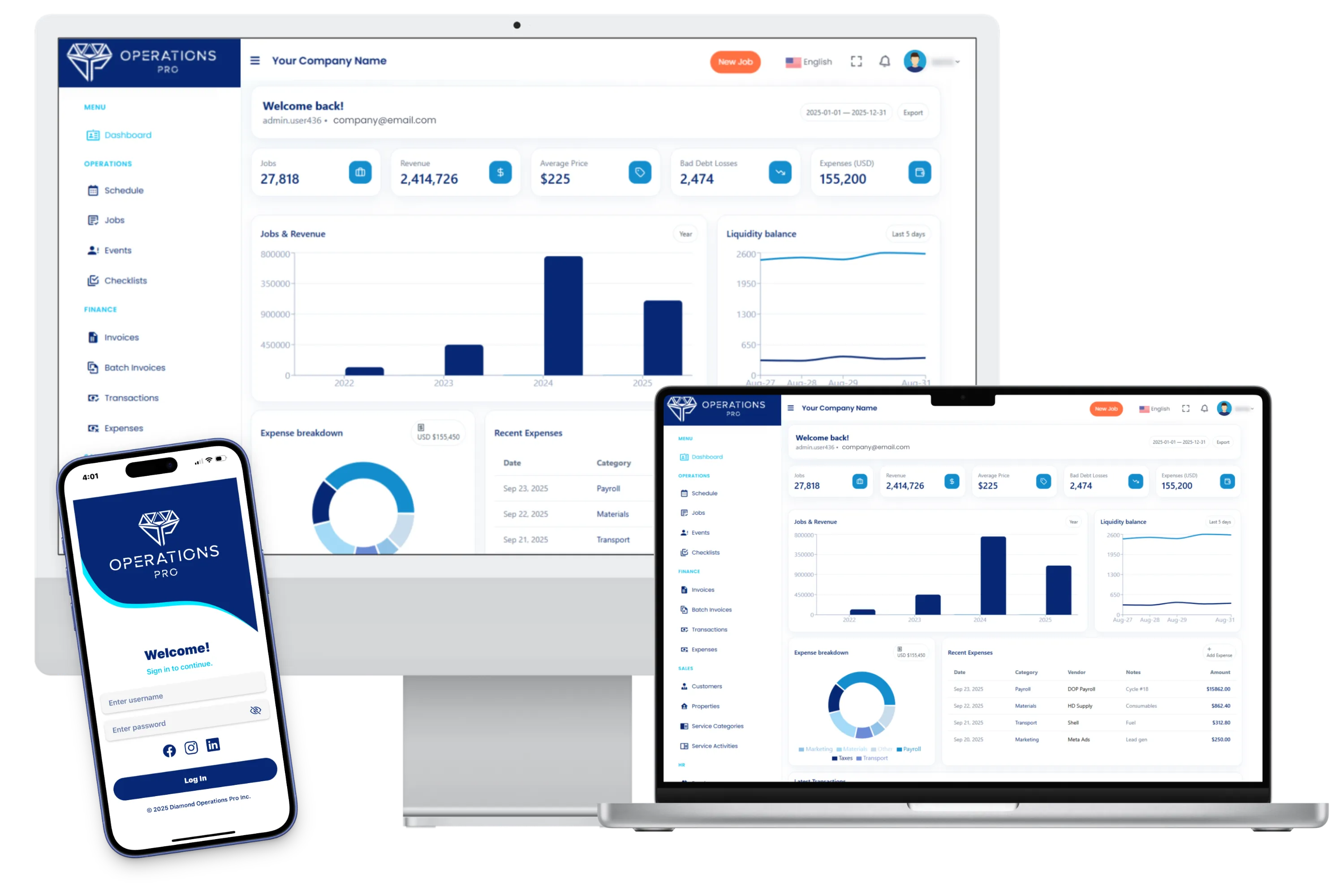
Introduction to Diamond Operations Pro
3 minDiamond Operations Pro is the all-in-one platform designed for service businesses that want to organize their operations, manage their teams, get paid faster, and grow without chaos.
Read article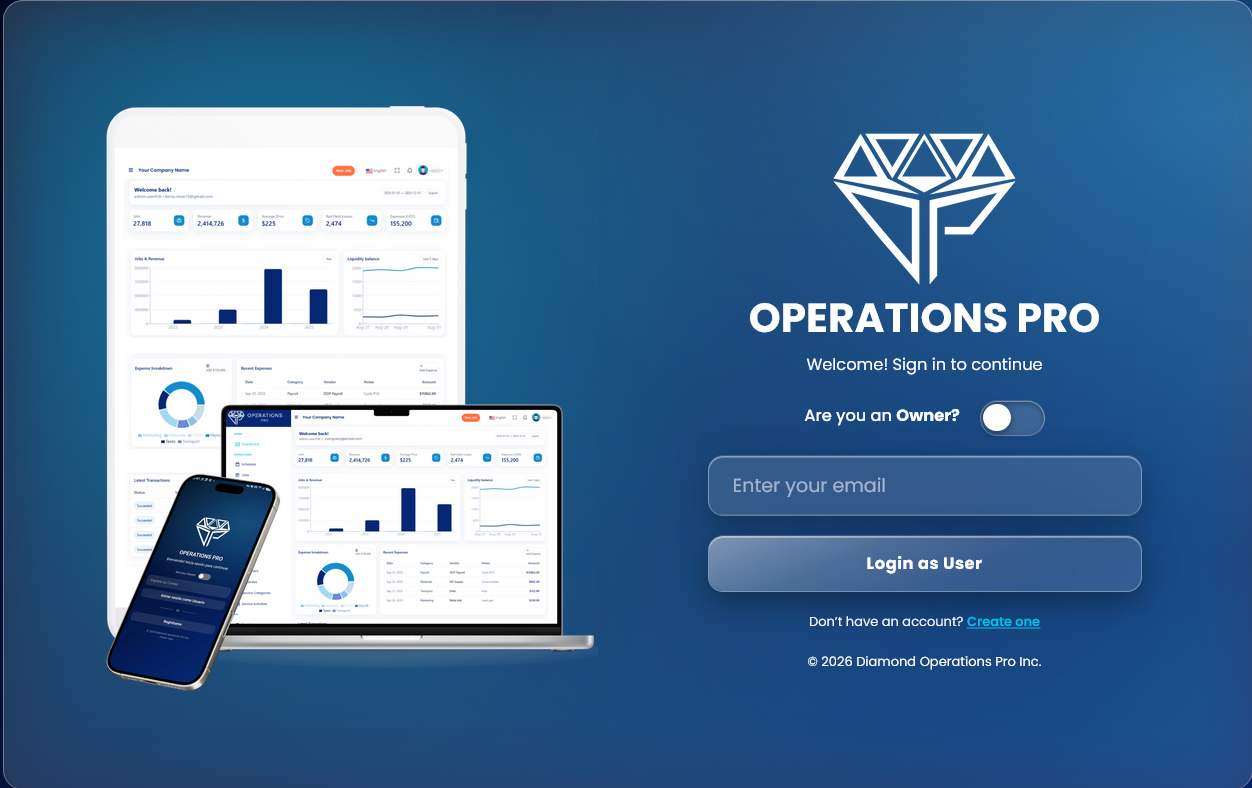
Login to DOP with a verification code
Settings5 minLearn how owners, internal users, employees, and clients log in to Diamond Operations Pro (DOP) using their email and a 6-digit verification code, how to select the correct company, and how to handle common login issues.
Read articleYour First Steps in DOP
Once your subscription is activated and you access your Owner Panel, the next step is to create your company and complete the initial onboarding.
Read article